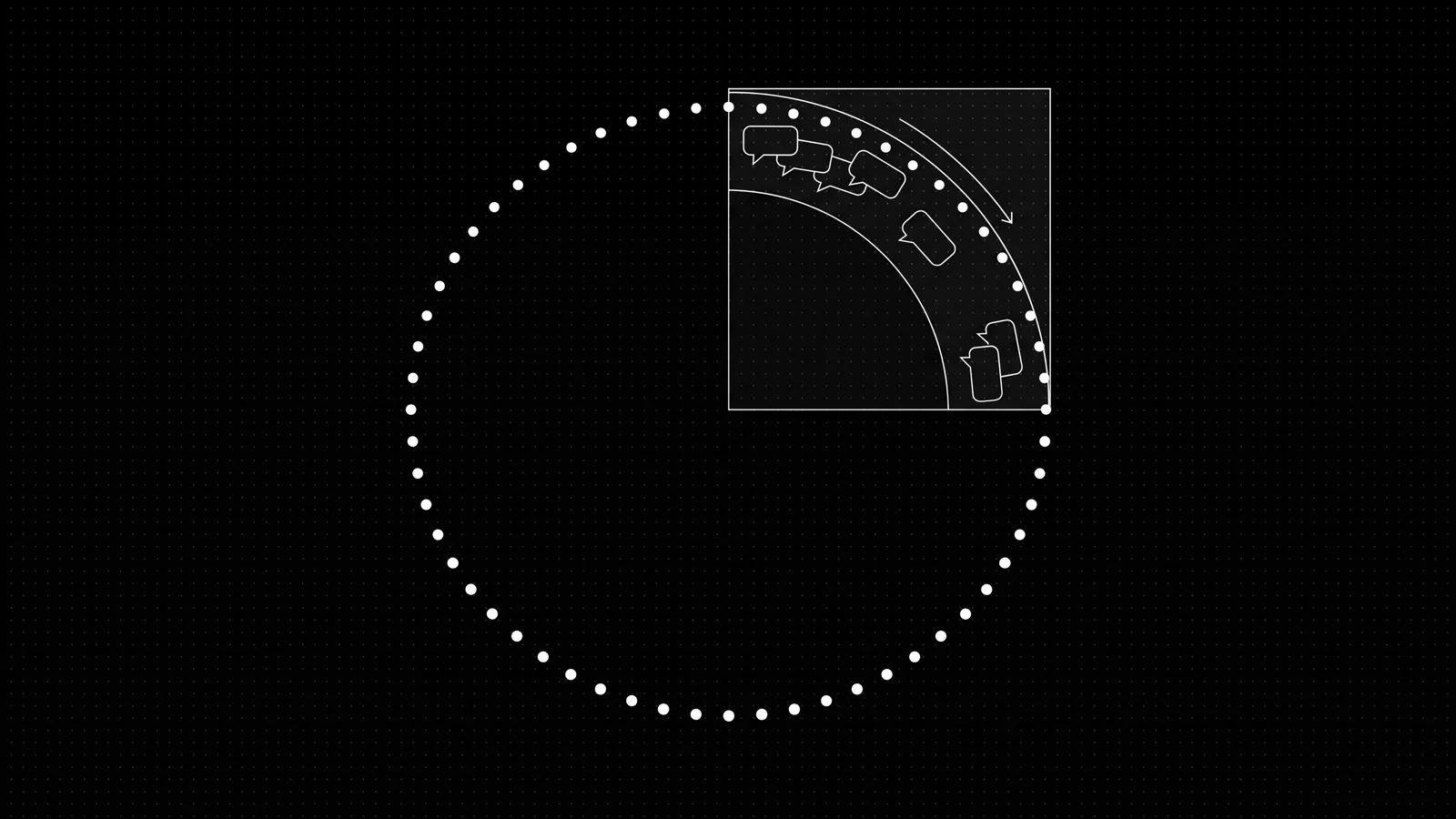
The WhatsApp 24-hour customer service window is the 24 hours after the last message a user sent you, when you can reply free-form and send utility templates at no charge. Each inbound message resets the clock. Outside it, only pre-approved templates go out, billed per delivered message by category. A UAE business that plans around the window keeps most of its cost at zero
We build WhatsApp systems for UAE businesses, mostly real estate, where the difference between a message that costs nothing and one that costs AED 0.21 usually comes down to whether the agent answered within the window. Below: how the window actually opens and resets, what each message category costs inside versus outside it, and how a bot is designed so re-engagement never lands outside a window
In our a property-management platform rollout, roughly 60 percent of tenant chats were handled by AI without a person in the thread, and those conversations stayed entirely inside the window because the bot answered instantly. The moment a follow-up sat until the next morning, it stopped being a service reply and became a paid utility or marketing template.
What exactly is the WhatsApp 24-hour window?
The customer service window (CSW) is a 24-hour period that opens when a WhatsApp user sends your business a message. For the whole 24 hours you can reply with free-form text, images, audio and documents, and those replies are free (Meta: customer service windows). Utility templates you send inside that open window are also free.
Every inbound message from the user restarts the window. A tenant who writes at 9 a.m., gets an answer, writes again at 4 p.m., and writes a third time at 8 p.m. keeps the window open until 8 p.m. the next day. A single hour of back-and-forth near the end of the window pushes it out by another 24 hours. The clock tracks the most recent message from the user, not your reply
The window you get depends on where the user's message came from. WhatsApp maps contacts to one of three entry-point types: an in-app organic entry, a click-to-WhatsApp ad, or a Facebook Page call-to-action button. An organic entry gives you the standard 24-hour window. Click-to-WhatsApp ads and Facebook Page entry points open a separate 72-hour free entry point window in which every message type, including marketing templates, is free (Meta: free entry point windows). For a Dubai agency running lead ads, that 72 hours is the cheapest follow-up window in the whole product.
Note
What does a message cost inside vs outside the window?
Meta bills per delivered message, and the price is set by two things: the template category and the country code of the recipient. Non-template replies inside an open customer service window are free. The cost only appears when you must send a template outside the window, which is the case Meta designed templates for (Meta: pricing on the WhatsApp Business Platform).
For recipients on +971 numbers, here are Meta's list rates effective 1 October 2026, converted from the official AED and USD rate cards. The AED is pegged at 3.6725 to the dollar, so the two columns agree
| Category | What it is for | Inside an open window | Outside the window, per delivered message |
|---|---|---|---|
| Marketing | Offers, launches, re-engagement, anything promotional | Free only inside a 72-hour free entry point window | AED 0.2115 (USD 0.0576) |
| Utility | Viewing confirmations, payment reminders, status updates tied to a user action | Free | AED 0.0576 (USD 0.0157) |
| Authentication | One-time passcodes | Free | AED 0.0576 (USD 0.0157) |
| Service reply | Free-form reply to a customer who messaged you | Free; first 1,000 per number each month free | Cannot be sent at all |
Two details decide most of the bill. A marketing template is charged whenever it is delivered outside an entry point window, even if a customer service window happens to be open at that moment; marketing messages never ride an open 24-hour window for free. And utility templates inside an open window are free, which is why viewing confirmations and payment reminders are cheap to send while a buyer is active in the thread
The pricing calendar matters for budgeting. Meta can change rates on the first day of any quarter and gives at least a month's notice (Meta: pricing calendar). Check the rate card before you lock a yearly WhatsApp spend, because marketing rates for UAE recipients have moved before and can move again.
How the window drives a real monthly bill
The cheapest place to see the window working is a Dubai brokerage that takes leads from Property Finder, Bayut and Dubizzle into one WhatsApp number. The model below is illustrative. The rates are Meta's. The point is which lines cost money and why
| Line | Monthly volume (assumed) | What the window does | Monthly cost (AED) |
|---|---|---|---|
| Bot and agent replies inside the 24h window | 1,500 conversations, ~12,000 messages | Free within the first 1,000 per number; service rate after | ~634 |
| Viewing-confirmation utilities inside the window | 900 | Free (inside open window) | 0 |
| Viewing reminders and document chasers after the window | 1,200 | Utility rate (window closed) | ~69 |
| New-launch broadcast to opted-in UAE contacts | 2,000 | Marketing rate (outside entry point) | ~423 |
| Meta total | ~1,127 |
Two conclusions follow. The marketing line is four times the utility price per message, so the cheapest optimisation is sending fewer broadcasts and relying on the free utility messages inside the open window to carry the conversation. And the confirmation messages that cost nothing are exactly the ones most agencies pay a BSP markup for, because the BSP charges per message on top of Meta's rate regardless of what Meta charged
The build, CRM integration and model API costs sit outside this table; those vary by project scope rather than by window behaviour
Can a bot keep the window open for you?
Yes, and that is the main reason bot response speed pays. A bot that answers a Property Finder enquiry in under a second keeps the window open while the user is still deciding, which means the follow-up questions, the viewing confirmation and the handoff to an agent all happen inside the free window. A human who answers ninety minutes later has reopened the window by replying on time, but a human who answers the next morning has let it close, and the next touch is a paid template
The rule that shapes bot design is that you cannot schedule a free-form message that might land outside the window; Meta rejects free messages sent when no window is open. So the bot's job is to act within the window and hand off before it closes. In a property-management platform, the property management app we launched as an MVP in 10 days, the AI answers around 60 percent of chats and those replies ride the open window; the remaining 40 percent go to a person, which is why the human handoff is a design decision with its own thresholds, covered in human handoff
For a UAE brokerage, the window behaviour also sets how you treat portal nights and weekends. A Friday-evening Bayut lead that a bot answers instantly stays inside the window until Saturday evening, often long enough for the user to reply and for the agent to pick it up Sunday. A bot that does nothing lets that lead's window close within Friday evening itself
How many windows should you plan for?
Plan for three, because they have three different costs and live in different parts of the funnel
| Window | Length | What you can send free | Where it shows up |
|---|---|---|---|
| Customer service window (organic) | 24h, resets on each user message | Free-form replies, utility templates | Replying to enquiries you already received |
| Free entry point window (click-to-WhatsApp ad, Facebook Page) | 72h | Every message type, including marketing | Follow-up on a paid lead within 72 hours |
| Template-only (window closed) | Until the user replies | Pre-approved templates, billed by category | Scheduled reminders, re-engagement, new launches |
The practical takeaway for a Dubai agency is to run marketing through the 72-hour entry point window whenever a lead came from a paid source, run customer service inside the 24-hour window, and treat the template-only state as the paid tail you minimise by answering fast. If you are sizing the operation, the WhatsApp Business API cost guide has the full per-message table and the BSP markup questions
What are the rules around using the window?
Three policy rules matter more than the pricing. First, Meta requires opt-in before you message a user first; an open window only exists for users who are already in conversation with you, and bought lists never open one legitimately (WhatsApp Business Messaging Policy). We cover consent paths in WhatsApp opt-in rules for UAE businesses.
Second, a bot that automates inside the window must still give customers a clear path to a human, via in-chat transfer to an agent or by phone (WhatsApp Business Messaging Policy). An automated service reply with no escalation route breaches policy even when it is free and inside the window.
Third, the general-purpose AI restriction that took effect on the Business Platform in January 2026 does not stop a business from using AI to answer its own customers inside its own windows. It restricts providers of general-purpose assistant products, not a Dubai agency automating its own service thread (Meta: AI Providers policy). Business-specific automation for your own customers remains allowed.
The takeaway
The 24-hour window is the cheapest lever in WhatsApp automation: answer inside it and most of your cost is zero, let it close and the same message becomes a billed template. Design the bot to answer instantly, run marketing through the 72-hour paid-entry window, and keep a clear human path at all times. A brokerage that does this keeps its Meta bill under roughly two thousand dirhams a month while answering every portal lead
Book the free audit: we map your current WhatsApp traffic against Meta's window rules and show you which messages are costing money they do not need to
FAQ
What is the WhatsApp 24-hour window?
When a user messages you, a 24-hour customer service window opens and you can reply with free-form messages. Each new user message resets the clock; outside the window you must send a pre-approved template
What does a message cost inside vs outside the window?
Inside the window, service conversations are charged at the service rate, and the first 1,000 per phone number each month are free. Outside it, you pay utility or marketing template rates per delivered message
Can I restart the window without the user writing back?
No — only an inbound user message opens a service window. To reach a user outside it you send an approved template; their reply reopens the window for another 24 hours
How should a bot handle the window?
Queue follow-ups inside the window, and never schedule free-form messages that might land outside it — they get rejected. Schedule template sends for re-engagement instead
Sources
- Meta: customer service windowsdevelopers.facebook.com
- Meta: free entry point windowsdevelopers.facebook.com
- Meta: pricing on the WhatsApp Business Platformdevelopers.facebook.com
- Meta: pricing calendardevelopers.facebook.com
- WhatsApp Business Messaging Policybusiness.whatsapp.com
- Meta: AI Providers policydevelopers.facebook.com