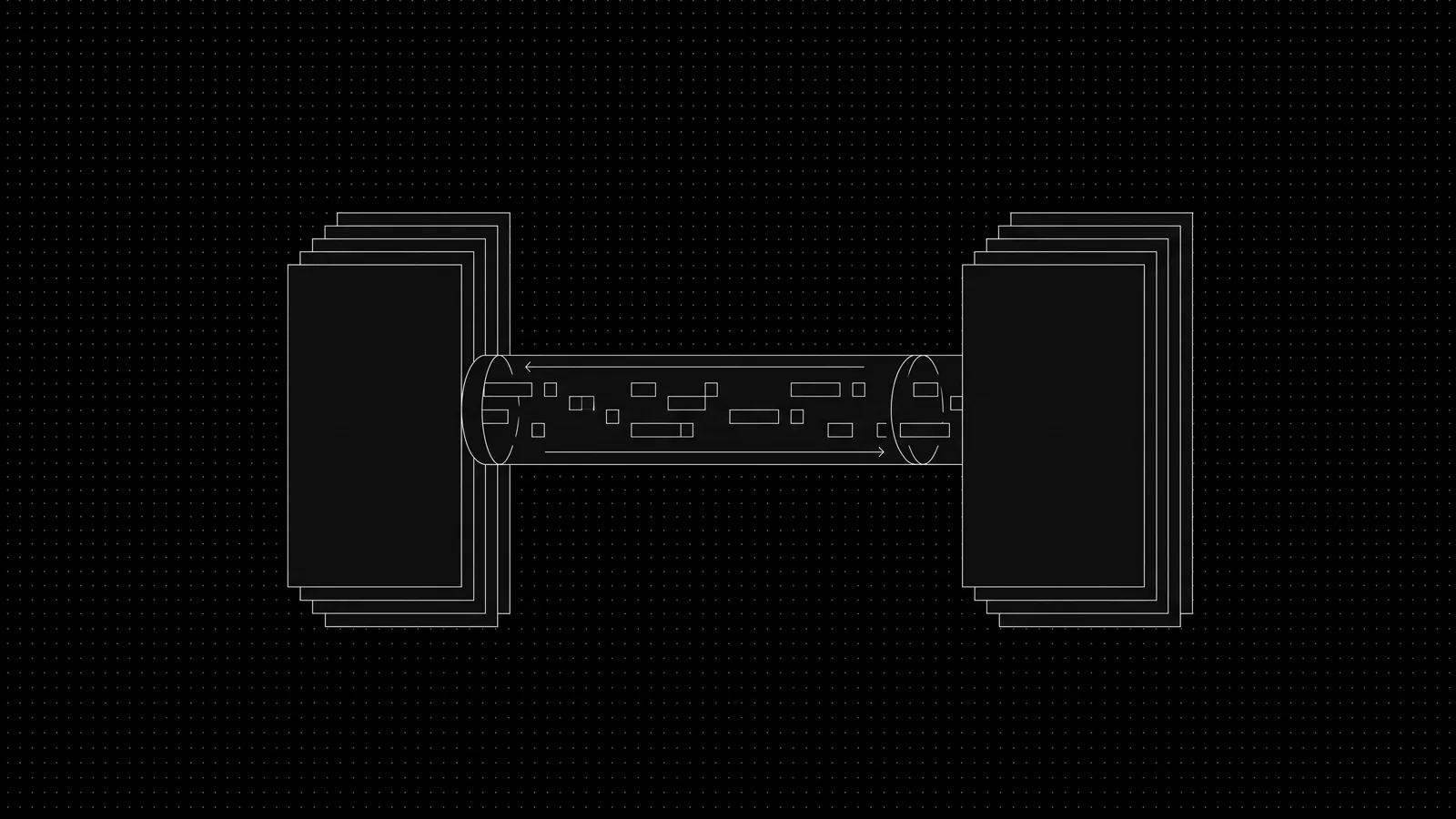
A WhatsApp automation writes into HubSpot, Salesforce, Zoho or Odoo through the Business Platform plus each CRM's API, without replacing the system your agents use. The bot creates or updates contacts and deals, writes qualification and score fields, and attaches the conversation and its media. Four problems decide whether it works: field mapping, phone-number dedup, attachment mirroring, and sync direction
Most agencies in Dubai already run a CRM they paid to configure and that agents actually open. The usual pitch of "move to our platform" dies there, and it should. The integration that survives treats the existing CRM as the source of truth and the WhatsApp bot as a writer that files clean records into it. Below is the field map we ship, the dedup rules that stop twin contacts, and the conflict rules that make two-way sync safe
How do you keep lead routing and agent workflows working when the bot writes to the CRM?
The bot wins or loses on whether the CRM keeps behaving as it did before the bot existed. Agents should see the same deal stages, pipeline views, dashboards and assignment rules. That means the integration maps onto your existing object model and does not invent a second one
In HubSpot the bot writes to Contact, Deal, Ticket or a custom object; in Salesforce to Lead or Contact plus Opportunity and custom objects; in Zoho CRM to Leads, Contacts, Deals and custom modules; in Odoo to res.partner (contacts) and crm.lead. The developer reads the object schema through the CRM's API metadata endpoints (HubSpot properties, Salesforce Describe, Zoho fields) and maps bot fields onto existing properties rather than creating parallel ones. A custom property per bot field is a smell; it means the map was built to make the sync layer easy instead of to make the agent's screen useful.
Deal owner assignment is the rule that keeps routing intact. If the bot sets the owner on every record it creates, it overrides your assignment logic. Instead, the bot writes the score and qualification fields and leaves the owner to the existing assignment workflow, or it sets the owner only when the handoff packet names a specific licensed agent. On the a property-management platform property platform roughly 60% of tenant chats finished on the bot, and the rest went to people; the records those chats produced had to land on the right desk or the whole flow felt worse than a manual inbox
Which fields map from a WhatsApp conversation into CRM properties?
The field map below is the artifact we reuse across builds. It assumes a real estate or services lead flow, but the shape transfers: a few identity fields, the qualification answers, the score, and the conversation pointer. The left column is what the bot knows; the right is the CRM property it writes to
| Bot field (from WhatsApp) | HubSpot | Salesforce | Zoho CRM | Odoo |
|---|---|---|---|---|
| Phone (E.164) | phone | Phone | Phone | phone (partner) |
| WhatsApp ID (WAID) | whatsapp_contact_id (custom) | WAID_Contact_Id__c (custom) | WhatsApp_ID (custom) | wa_id (custom) |
| Email (if given) | ||||
| Name | firstname / lastname | FirstName / LastName | First_Name / Last_Name | name |
| Language (ar/en) | language (custom) | Language__c (custom) | Language (custom) | lang (custom) |
| Intent (buy/rent/invest) | intent (custom) | Intent__c (custom) | Lead_Intent (custom) | x_intent (custom) |
| Budget band (AED) | budget_band_aed (custom) | Budget_Band_AED__c (custom) | Budget_Band_AED (custom) | x_budget_band (custom) |
| Area(s) | preferred_area (custom) | Preferred_Area__c (custom) | Preferred_Area (custom) | x_preferred_area (custom) |
| Timeline | timeline (custom) | Timeline__c (custom) | Timeline (custom) | x_timeline (custom) |
| Score (hot/warm/nurture) | hs_lead_status or custom score | Rating + Score__c (custom) | Rating + Score (custom) | x_score (custom) |
| Source = WhatsApp | lead_source | LeadSource | Lead_Source | x_source (custom) |
| Thread / transcript link | hs_pinned_engagement_attachment or note | Description + note | Note | message + chatter note |
| Media files | attachment on note | Attachment object | Note with attachment | ir.attachment on model |
Two rules govern the map. First, phone and WAID are identity, everything else is data. Only the identity fields participate in dedup; a budget change updates the same record. Second, score lands in a property the sales manager reads often, which in HubSpot is usually the lead status picklist and in Zoho the Rating field, so the bot writes to those rather than to an orphan custom number that nobody looks at
Qualification answers beyond these stay as a structured note or a JSON blob on the record, not as twenty scattered custom fields. That keeps the object table from becoming a dump site while the answers stay queryable
How do you stop a lead messaging twice from becoming two CRM contacts?
Dedup decides whether the same buyer messaging about two listings shows up as one person the team follows up with or as two twins nobody reconciles. The rule order matters because an email match on a stale address is weaker than a phone match on the same number
The sync layer keeps a phone key: the number normalized to E.164 with the country code, so +971 50 123 4567 and 050 123 4567 collapse to the same key. Every inbound WhatsApp message runs through five checks in order:
- Match on WAID (the WhatsApp user id) first. It is the strongest key because Meta assigns one per user and it does not change when someone ports a number
- Match on E.164 phone number on the contact or lead object
- Match on email when the email is present and non-generic (skip shared addresses like info@ or the agency's own domain)
- Fuzzy match on name plus a normalized area only inside a phone match that already exists, never as a standalone key
- No match. Create a new contact, mark source as WhatsApp, and attach a unique conversation handle
A match updates the existing record and logs a second enquiry or deal against it. A no-match creates a new one. The dedup runs inside the sync layer, not inside the CRM's own dedup, because the CRM dedup typically triggers only on manual entry or on specific imports and will not fire on an API create. Lead who messages once at night on Property Finder and again at noon on a direct link should still be one person with two enquiries attached. The portal capture flow that feeds these records is covered in whatsapp-property-finder-bayut-leads
Watch out
Can WhatsApp attachments land in the CRM, and where do they go?
Yes. The Cloud API delivers images, PDFs, video and voice notes as media IDs, and you fetch the bytes through the media endpoint. The file then attaches to the contact or deal: an Attachment or Note in Salesforce, a note attachment in HubSpot, a note plus attachment in Zoho, an ir.attachment in Odoo.
The gap is that Meta's media endpoints expire within a set retention window, so a short URL you stored today is broken in a few days. The integration must download the media, verify it is not a virus, and mirror it into your own storage, which is usually object storage for the file plus the CRM's attachment record pointing at it or holding a copy. The CRM reference outlives the WhatsApp URL, which matters for PDPL reasons too.
Two rules we hold to:
- Download and mirror at capture time, not when someone views the record. If the job is deferred, the media expiry beats you
- Classify media before it lands in the CRM. A tenant sending an Emirates ID photo unprompted is sensitive personal data under the UAE's Personal Data Protection Law, Federal Decree-Law No. 45 of 2021. Route those to a restricted object with defined retention rather than a general attachment folder. The map pattern is covered in PDPL-compliant AI CRM in the UAE.
Voice notes need transcription before they are useful in the CRM; the transcript attaches alongside the audio so an agent can skim it on mobile. Media handling is where most WhatsApp integrations silently lose data, so it belongs in the spec, not in a follow-up
Which direction does the data flow, and what are the conflict rules?
Start inbound-only: the bot writes to the CRM and never reads it back for behavior. That is the safe first cut because a write is easy to make idempotent, while a read that changes bot behavior can loop. The bot files the conversation, updates the record, sets the score, and stops
Two-way sync reads CRM state and changes what the bot does, and it needs explicit conflict rules. The common case is an agent marking a deal stage or changing a field while the bot is mid-conversation. The conflict rules we ship:
| Conflict | Default rule | Why |
|---|---|---|
| Human edits a field, bot writes the same field later | Human wins; bot write is dropped | Agent action is the fresher, deliberate intent |
| Bot wrote, human edits within a short window (tens of seconds) | Human wins regardless of order | Avoid a bot overwriting a click the user just made |
| Bot and human both touch the same field, neither fresh | Compare updated_at timestamps; a database timestamp, not the chat time | Chat time and write time can differ by minutes on retries |
| Status change (e.g. deal won) vs bot field write | Status change is protected; bot cannot downgrade a stage | Reopening a won deal is almost always wrong |
| Idempotency | Every write carries an idempotency key: conversation id + message id + field | Retries double-write unless deduplicated at the API layer |
The timestamp comparison should use the CRM record's updated_at from the API response, because a message sent at 14:00 may only be written at 14:03 after a retry. If the bot compares against chat time it thinks it is newer than the human who edited at 14:01, and the human's fix disappears
On ai lead qualification builds we push scores to the CRM and let the assignment workflow act on them; we do not have the bot reassign owners as a side effect. A two-way sync that changes inventory or pricing from CRM state only appears once the write path has run clean for a few weeks, because a bad write propagating into bot behavior is the failure most projects never fully unwind
When do you sync a record back to the portal or inventory source?
The write-back does not stop at the CRM. A Dubai brokerage often needs the enriched lead to update a portal dashboard, a viewing scheduler, or the inventory source that the WhatsApp bot quoted from. On our inventory CRM tracking around 8,000 units, status accuracy rose from roughly 60% to roughly 98%, and the bot depends on that inventory staying current. A bot that quotes a unit as available the week after it sold does more damage than a slow human, so keeping the inventory feed and the CRM choices in agreement matters
Keep these as separate pipes with separate failure handling: the CRM write is transactional with the conversation, while the portal or inventory sync is an event your existing integration already owns. Do not bolt portal publishing onto the WhatsApp sync, or a duplicate script ends up writing to two places with two offsets. Each hop keeps its own retry, idempotency key and audit log, which is also what a PDPL data-flow map ends up documenting
Most integrations fail on dedup and on who wins a field conflict, not on connection code. If you cannot answer, before you connect anything, which key identifies the person and who owns a field when a human and the bot touch it, the sync will create twin records and the team will stop trusting the CRM.
The takeaway
A WhatsApp bot writes into the CRM you already run by mapping a small set of fields onto existing properties, deduping on WAID and an E.164 phone key in the sync layer, mirroring media into your own storage before Meta's endpoints expire, and starting with inbound-only writes before any two-way sync. Each decision is auditable at build time, which is what makes the integration survive contact with a busy agency
We build this write-back as part of our AI systems for UAE real estate and WhatsApp automation work. If you want to know which fields and dedup rules your current setup is missing, book the free automation audit: we map your CRM schema and WhatsApp flow and show exactly where the sync will drift
FAQ
Does WhatsApp integrate with HubSpot, Zoho or Odoo?
Yes, through the Business Platform plus CRM APIs. The bot creates or updates contacts and deals, writes qualification fields, and attaches the conversation — no CRM replacement needed
How do you prevent duplicate leads when WhatsApp syncs to a CRM?
Match on phone number in international format first, then email. Dedup rules live in the sync layer — a lead who messages twice updates the same record instead of creating a twin
Which direction does the data flow?
Usually inbound-first: chats create and qualify records, scores write back. Two-way sync (CRM status changing bot behavior) comes later and needs conflict rules
Can WhatsApp attachments land in the CRM?
Yes — images, PDFs and voice notes are fetched from Meta's media endpoints and attached to the contact or deal. Retention limits apply, so mirror media into your own storage
Sources
- propertiesdevelopers.hubspot.com
- Describedeveloper.salesforce.com
- fieldszoho.com
- media endpointdevelopers.facebook.com
- Federal Decree-Law No. 45 of 2021uaelegislation.gov.ae